
Join the goAgatha Beta Test
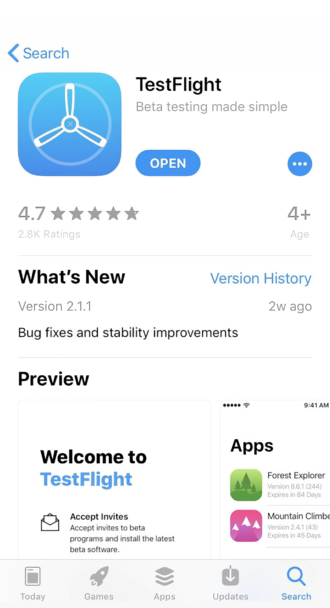
Thank you for becoming a Beta Tester for goAgatha. Apple requires that Beta tests be conducted through the Apple App Store using their app TestFlight. To join the test, you first download TestFlight (it’s free) and that will give you access to goAgatha.
Happy walking! And we’re always here if you run into any problems:
Step by Step
- 1. Get set up (Apple’s requirements)
- Have an Apple ID: Signed in on the device in Settings > [Your Name].
- Install TestFlight from the App Store (TestFlight by Apple).
- 2. Join the test
- Open the TestFlight invite link you received by email or message.
- On your device, tap the “View in TestFlight” or “Start Testing” button.
- If you instead received a redeem code, open the TestFlight app, tap “Redeem”, and enter the code.
- 3. Install goAgatha
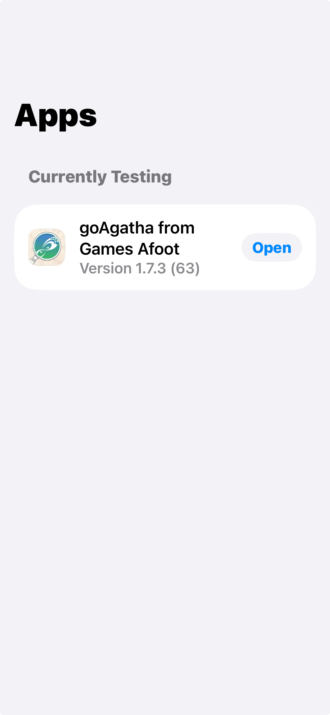
- In TestFlight, locate goAgatha.
- Read the Test Details (what to test, special notes).
- Tap “Install” (or “Update” if there’s a new build).
- 4. Run a test session
- Open goAgatha from the home screen or from TestFlight.
- Use it as a normal user would:
- Create/log into your account (if required).
- Walk through the core flows (e.g., onboarding, starting a game, menus, any key in-app features you were asked to focus on).
- Try both expected usage (happy path) and a few edge cases (fast taps, going back/forward, switching apps, turning Wi‑Fi off/on, etc.).
- 5. Send feedback to the developers (Apple-required flow)
- If you hit a bug or have feedback, take a screenshot (Side Button + Volume Up) at that moment if possible.
- When you’re done testing or hit an issue:
- Open TestFlight.
- Tap goAgatha.
- Tap “Send Beta Feedback”.
- Choose “Include Screenshot” if you took one.
- Describe:
- What you were doing.
- What you expected.
- What actually happened (including exact error messages if any).
- If prompted, allow TestFlight to include crash logs and diagnostics (this is very helpful and part of Apple’s feedback pipeline).
- 6. Keep the build updated
- Builds expire after 90 days (Apple rule).
- When you see “Update” in TestFlight for goAgatha, tap it and retest the main flows (especially anything the team calls out in the build notes).
- 7. Stop testing (optional)